Bring your reference shelf
Give agents reference material and review the files they change.
Your space → Everyday → Files & knowledge
Before you begin
A custom agent and files you want it to use.
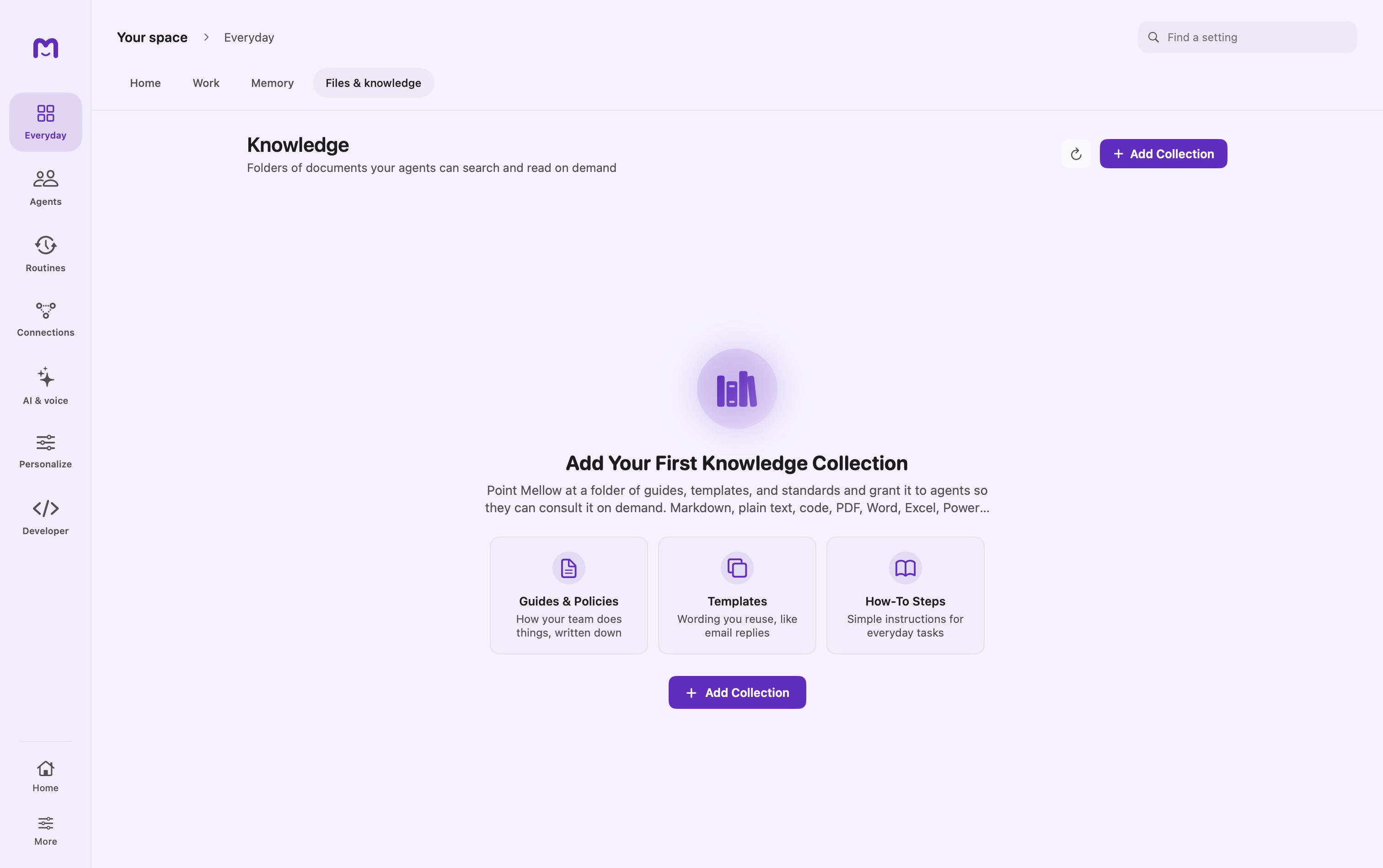
Add reference material
Open Files & knowledge and add a collection from a folder. Grant that collection to the custom agent that should search it.
Choose a working folder
Attach a folder to a chat when you want the agent to read or edit working files. This is separate from a reference collection.
Review the result
Use the chat inspector’s File Changes view to inspect edits. Check the affected files and any warnings before choosing a revert.
Controls & reference
| Control or concept | How to use it |
|---|---|
| Add Collection | Choose the folder containing reference documents. |
| Agent knowledge grant | Select which custom agents can consult the collection. |
| Re-index | Refresh indexed content if the collection is out of date. |
| Working folder | Separate read/write task context, selected in chat. |
Try it with a small task
Add a small folder containing a project brief. Grant it to one helper and ask for a summary that names the source document.
If it does not work
- Empty results: check collection grants, supported formats and indexing.
- A folder moved: reselect the location and refresh the collection.
Good to know
- Collections index source files in place; removing a collection is different from deleting the source folder.
- History has limits. Files too large to retain may not be restorable; review the app’s warning rather than assuming every change can be undone.