Your first little win
Install Mellow, choose a model and start a useful conversation.
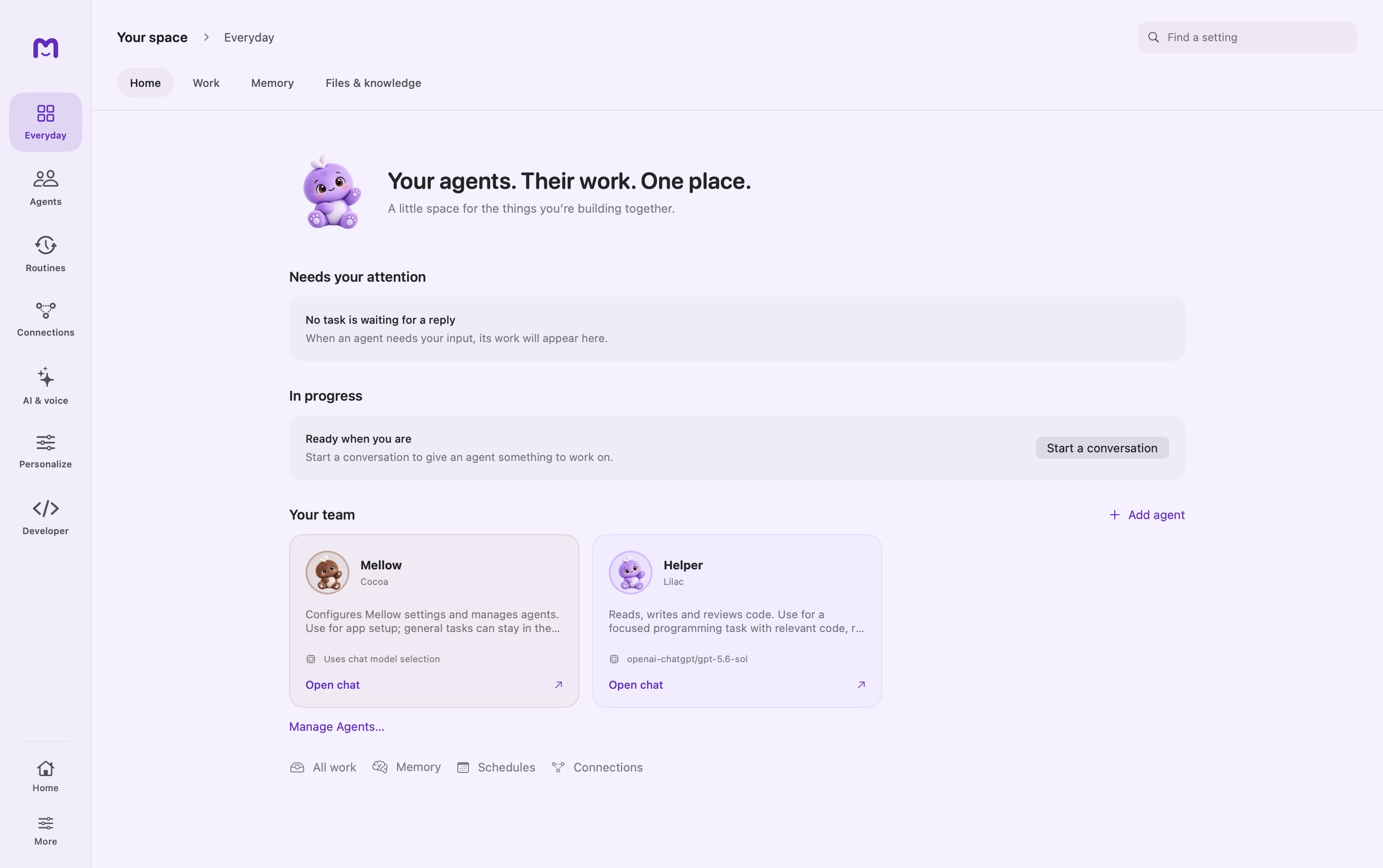
Your space → Everyday → Home
An Apple silicon Mac running macOS 15.5 or newer. Hosted models need an account; local models need disk space and enough memory.
Install Mellow
Download the disk image from the Mellow page. Open it, drag Mellow into Applications, then launch the app. The current download is a preview release.
Choose how you want to chat
Open Local Models to manage a model on your Mac, or Providers to connect a supported hosted service. Wait for the model to become ready before sending a message.
Start small
Ask Mellow what is configured. For file work or research, create a custom agent with the capabilities the task needs.
Controls & reference
| Control or concept | How to use it |
|---|---|
| Home | Your agents and work requiring attention. Start a conversation or open an existing helper. |
| Settings search | Find a control without remembering which section contains it. |
| Local Models / Providers | Two separate ways to make a chat model available. A download or sign-in must finish before it is usable. |
Try it with a small task
Ask: “What is configured, and what do I need to start a conversation?” Review the answer against the model and provider readiness shown in settings.
If it does not work
- No response: check the selected model is ready, not still downloading.
- A provider asks for sign-in: complete that provider’s authentication; Cloud workspace sign-in is separate.
Good to know
- Signing in to a Cloud workspace does not automatically configure a hosted chat model.
- Use settings search to find a control by name; older releases may organize their navigation differently.