Take the conversation with you
Pair a Mac or Mobile and keep the execution destination clear.
Your space → Connections → Devices
Before you begin
A reachable host running Mellow, compatible builds and an authorized pairing method.
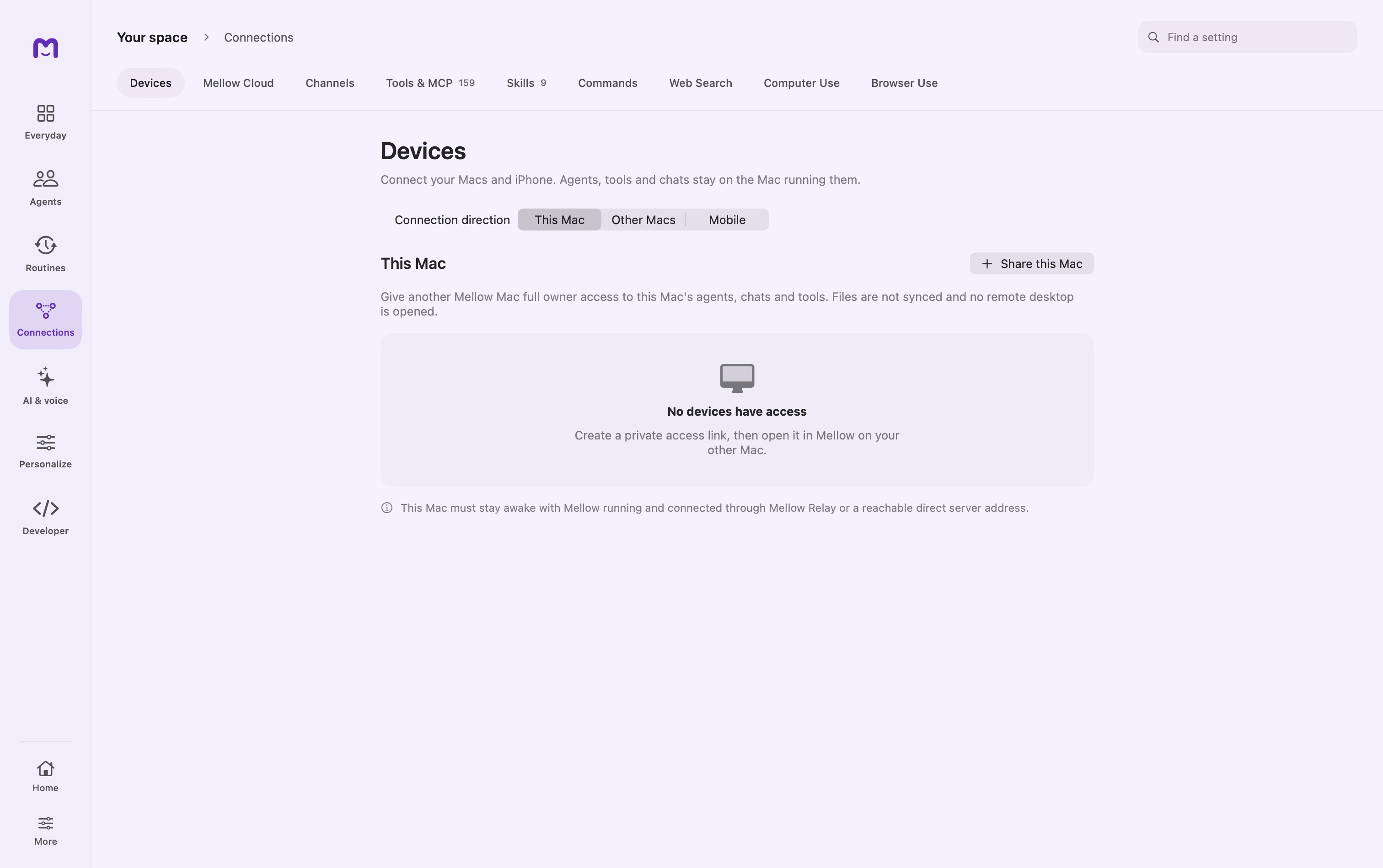
Prepare the host
Open Devices on the Mac that will do the work. Review its identity and sharing configuration before creating a pairing link.
Pair the companion
Use the supported link or QR pairing flow on the other device. Review the host identity and the access being granted.
Open host conversations
Select the paired Mac to browse its chats or start work there. Its conversation history and execution remain associated with that host.
Controls & reference
| Control or concept | How to use it |
|---|---|
| This Mac | Manage access granted to the current host. |
| Other Macs | Connect to another host and open its conversations. |
| Mobile | Companion connection flow for a supported mobile build. |
| Share this Mac | Creates a grant for the host; review its access scope before sharing. |
| Forget / Revoke | Forget removes a local saved connection; revoke withdraws the host grant. |
Try it with a small task
Pair your own second Mac, verify its displayed identity, and send a harmless greeting. Confirm the host is the selected destination and that its conversation appears there.
If it does not work
- Host offline: keep Mellow running and the host awake; check the connection route.
- A chat is read-only: inspect the host/session controls instead of assuming local ownership.
Good to know
- The host must be reachable and available to run work.
- Forgetting a saved connection and revoking access are different actions. Use the host’s access controls when you want to withdraw permission.
- Mobile availability depends on the companion build; this website does not pair devices.